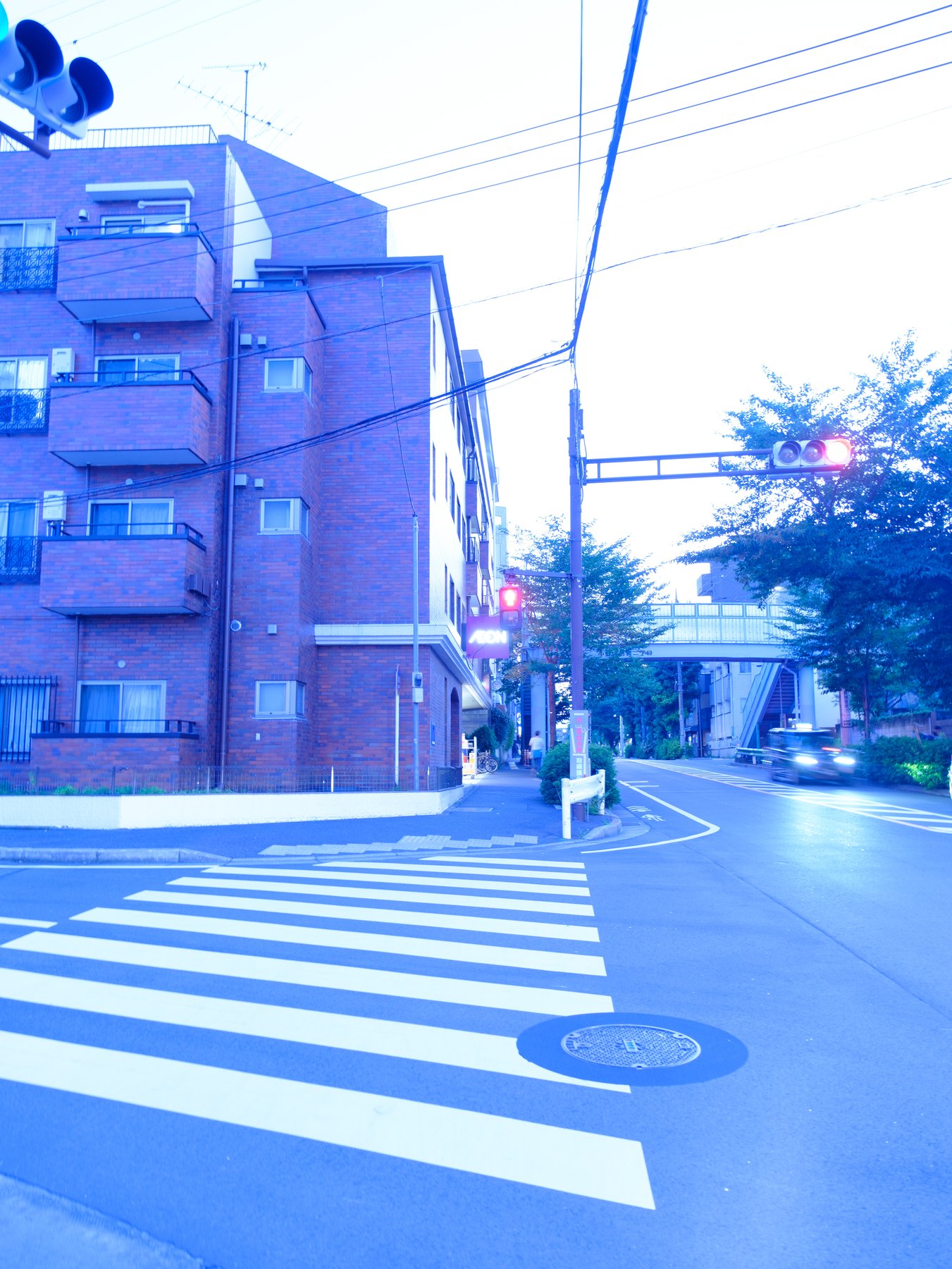
Film is not one color palette. Different stocks, exposure choices, scanning methods, and printing processes produce different results. Begin by naming the qualities you want rather than trying to imitate the word “film.”
For everyday Tokyo photographs, a restrained direction might mean softer highlight transitions, believable skin, quieter greens, moderate saturation, and grain that is visible without becoming the subject.
Build the tonal shape first
Set exposure and white balance, then decide how deep the blacks should feel and how quickly highlights should roll off. A gentle curve can soften extremes without removing all contrast.
Avoid lifting the black point automatically. True dark values can give night and overcast scenes structure; a faded base works only when the subject and light support it.
Simplify the palette
Reduce conflicts rather than tinting everything. Calm an overpowering green, keep skin believable, and protect the relationship between warm practical lights and cool ambient light.
Use HSL for specific color behavior and Color Grading for broader tonal relationships. Small moves survive across a set better than dramatic hue rotations.
Add texture at final viewing size
Grain depends on output size. Judge it at the dimensions where the photograph will be seen, not only at 200 percent. Too much grain can obscure faces and smooth skies without feeling photographic.
Sharpening, noise reduction, and grain interact. Finish those controls together after the tonal and color direction is stable.
Test the look as a set
Apply the edit to daylight, skin, foliage, warm interiors, and one difficult mixed-light frame. Record the adjustments that repeat and move those into the preset; leave the exceptions outside it.
A useful look makes a group feel related while allowing each photograph to keep its own exposure, white balance, and local emphasis.