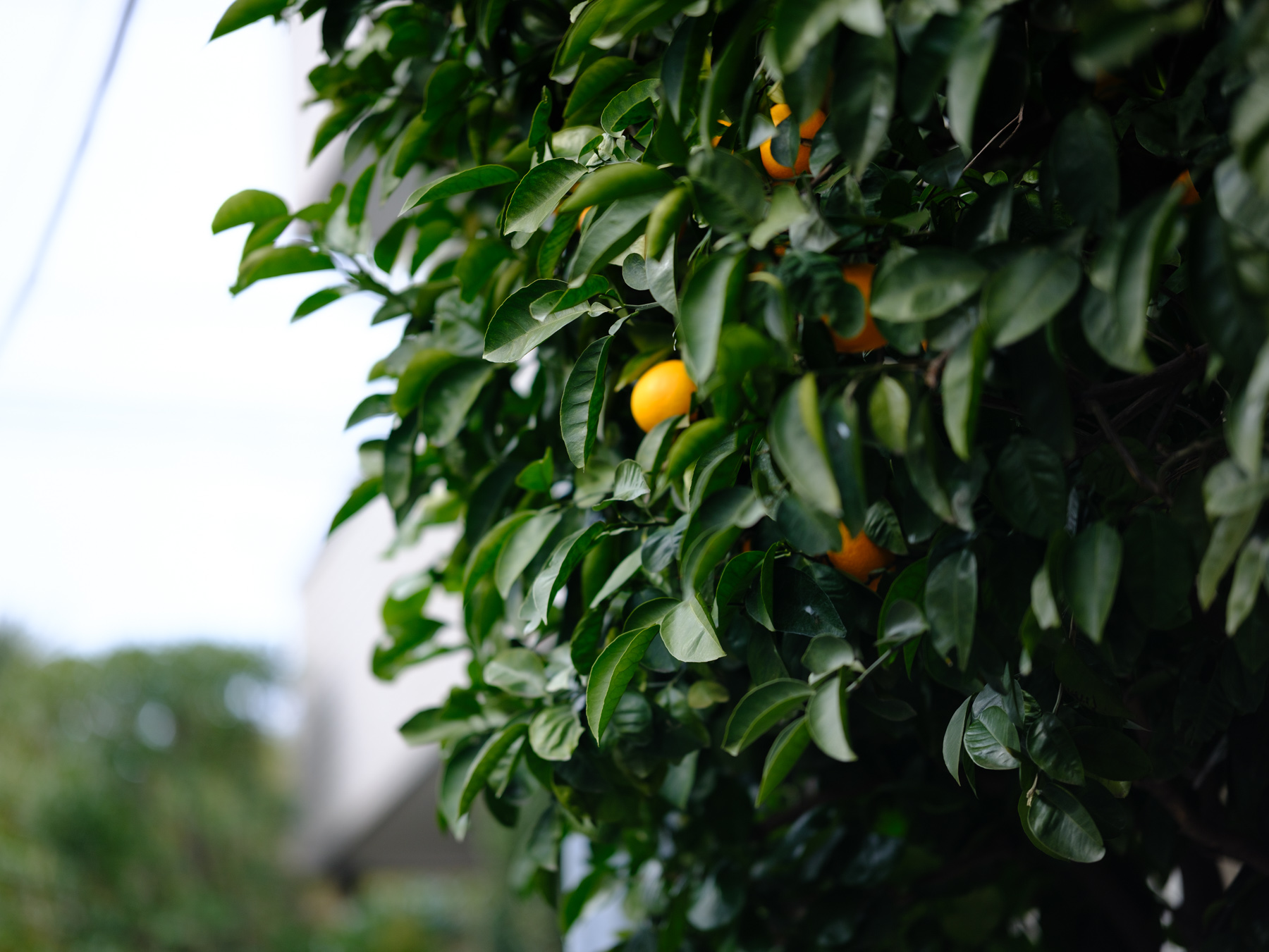
A close-up can contain several competing details: a fruit, a foreground leaf, and branches behind it. Before taking the photograph, enlarge the intended focus area rather than judging sharpness only from the full composition. These instructions cover still photography on the Fujifilm X-H2; controls on other cameras may differ.
Check an AF-S focus area
In AF/MF SETTING, choose SINGLE AF for FOCUS MODE and SINGLE POINT for AF MODE. Place the focus area over the detail you want to inspect.
When focus zoom is assigned to the focus stick’s center press, press once to enlarge that area. Two additional presses increase magnification; the fourth returns to the normal display. In AF-S, the rear command dial also changes the zoom level.
Focus zoom is unavailable in CONTINUOUS AF or with PRE-AF enabled. If the center press performs another action, check FOCUS LEVER SETTING or the assigned function control before assuming that zoom is broken. FUJIFILM X-H2 autofocus manual
Make magnification automatic in manual focus
Choose MANUAL FOCUS under FOCUS MODE, then enable FOCUS CHECK in AF/MF SETTING. Turning the lens focus ring automatically enlarges the selected area. Move the focus area when you need to inspect a different detail; press the focus stick to leave the enlarged view. FUJIFILM X-H2 AF/MF settings
The rear command dial adjusts magnification, except when DIGITAL SPLIT IMAGE or DIGITAL MICROPRISM is selected for MF assistance. FUJIFILM X-H2 manual-focus guide
Keep the photograph and the instructions separate
The illustration is a Lightroom JPEG export of an existing edit from DSCF1251.RAF. The citrus and foliage illustrate competing details, not proof that Focus Check was used or an autofocus comparison.
These instructions follow Fujifilm’s documentation, not a new Tokyo Grain camera test. Recheck the official manual applicable to your firmware and control assignments if your camera behaves differently.
Choose the editing step after focus
For a focused camera file, use our four-step Fujifilm Lightroom workflow. Creative looks are a separate editing choice, not a substitute for checking focus during capture.
Try Everyday Soft, our free Lightroom preset on your own supported files. Or see the Tokyo Film Starter Kit — three Lightroom looks and three matching video LUTs, $12. Choose the free sample or paid kit according to your editing needs; neither is a focus-repair tool.