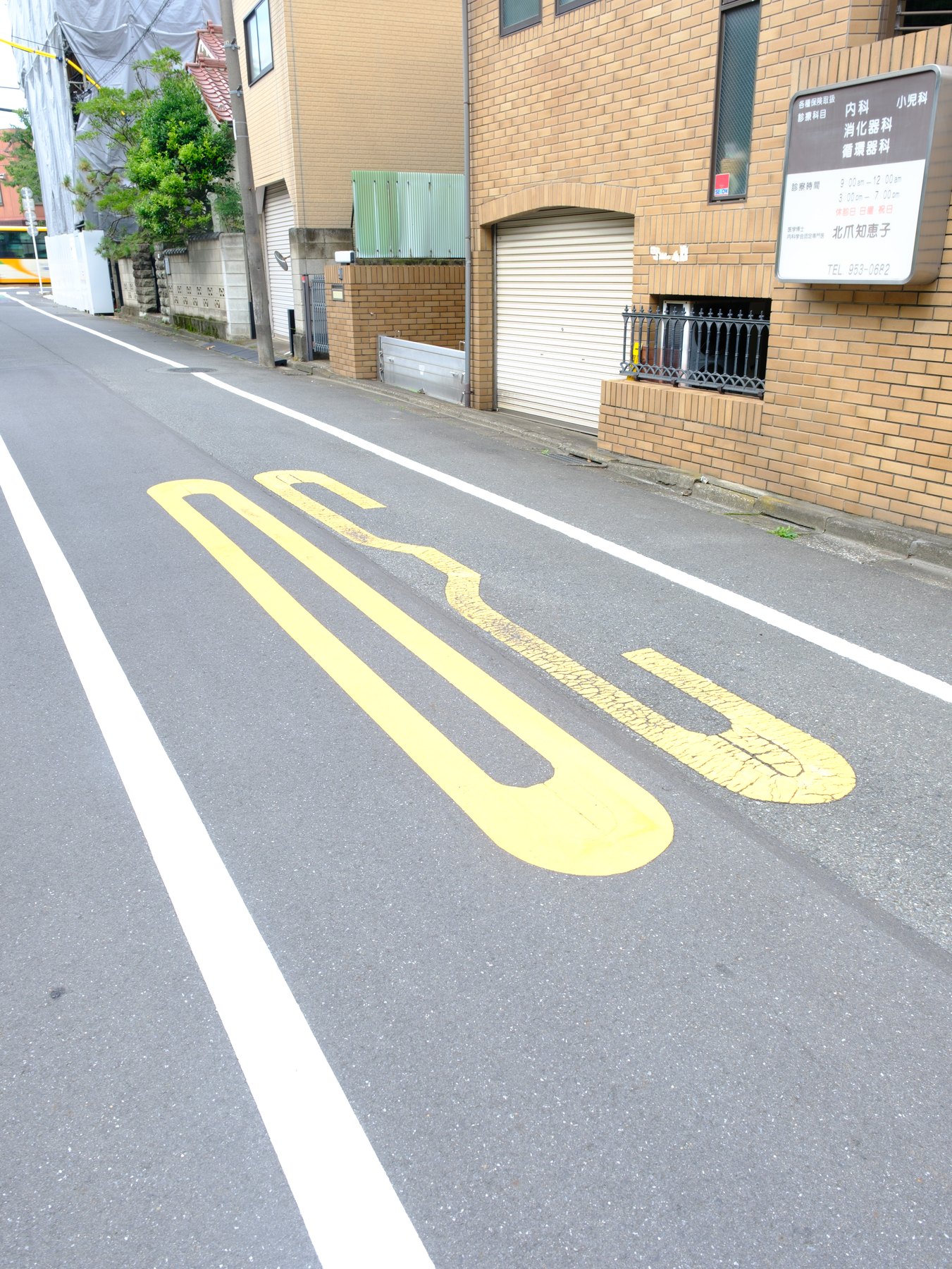
A preset reproduces settings, not the light in the example photograph. Your file may begin with a different exposure, white balance, camera profile, subject color, or dynamic range.
Diagnose those differences in a fixed order. Random slider changes make it harder to learn which part of the workflow actually failed.
The starting exposure is different
First set Exposure for the main subject. A preset developed on a bright, evenly exposed file will feel muddy on an underexposed frame and harsh on a file with clipped highlights.
Do not match the histogram shape of the example. Match the visual priority: face, storefront, wet pavement, or another subject that carries the photograph.
White balance is amplifying the look
A warm preset on a very warm capture can push skin and lamps too far. Correct Temperature using a familiar surface, then adjust Tint only if a green or magenta cast remains.
Mixed light does not need global neutrality. A local mask can correct a face while preserving the surrounding atmosphere.
The camera profile changed
Profiles alter the color and tonal starting point before most sliders. Compare the profile before and after applying the preset. If it changes, decide whether that change is part of the intended look.
Fujifilm camera-matching profiles and Adobe profiles can respond differently to reds, greens, and contrast. There is no universal best choice; consistency and transparency matter.
The scene falls outside the preset’s job
A daylight portrait look may not be the right tool for sodium-vapor street light. Try a look designed for the scene before forcing a large HSL correction.
If the direction is close, finish locally: reduce a bright sign, lift a face, or calm one distracting color. One targeted adjustment is better than rebuilding the global grade.