Before-and-after images are useful when they reveal a decision. They become misleading when the viewer is encouraged to copy numbers without accounting for exposure, profile, light, lens, and the source file.
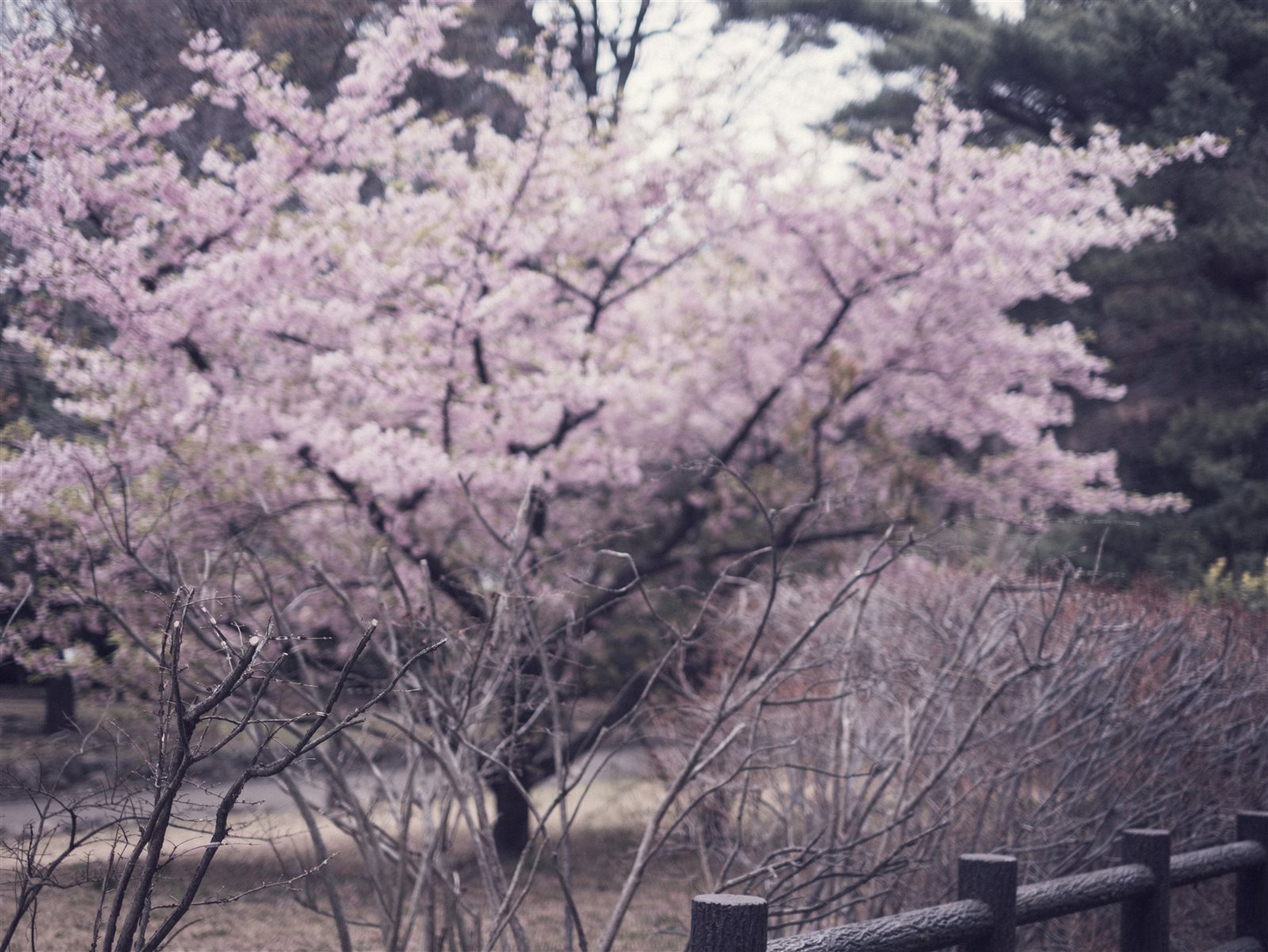
In this pair, the edited frame is cooler and more restrained than the source. The lesson is to identify how blossom, foliage, sky, and dark branches moved relative to one another.
Compare the large relationships first
Look at overall brightness, color temperature, black depth, and the balance between blossoms and background before zooming into grain or sharpness.
Ask which change makes the subject clearer and which is merely a stylistic preference. A darker background can separate flowers, but too much suppression removes spring atmosphere.
Set profile and white balance before magenta
Camera profile and white balance can move every pink and green in the frame. Establish those foundations before using Color Mixer to correct blossoms.
If the petals shift toward purple, check whether the whole file became too cool. A targeted hue correction should not compensate for an incorrect global balance.
Use the before file as a factual anchor
Return to the unedited source to check whether texture, highlight detail, or local color has been invented by excessive contrast. The goal is not to preserve every original value, but to understand what the edit changed.
Keep the matching before and after under the same crop when evaluating a preset. Different crops or exposure adjustments can exaggerate the apparent effect.
Transfer principles, not slider numbers
On another photograph, repeat the sequence—profile, white balance, exposure, curve, targeted color, local masks—while choosing values from that file.
A preset is a starting point. Judge it on multiple scenes and adjust exposure and white balance after application rather than expecting one-click identity.
Sources and further reading
References for the context and techniques discussed in this field note.