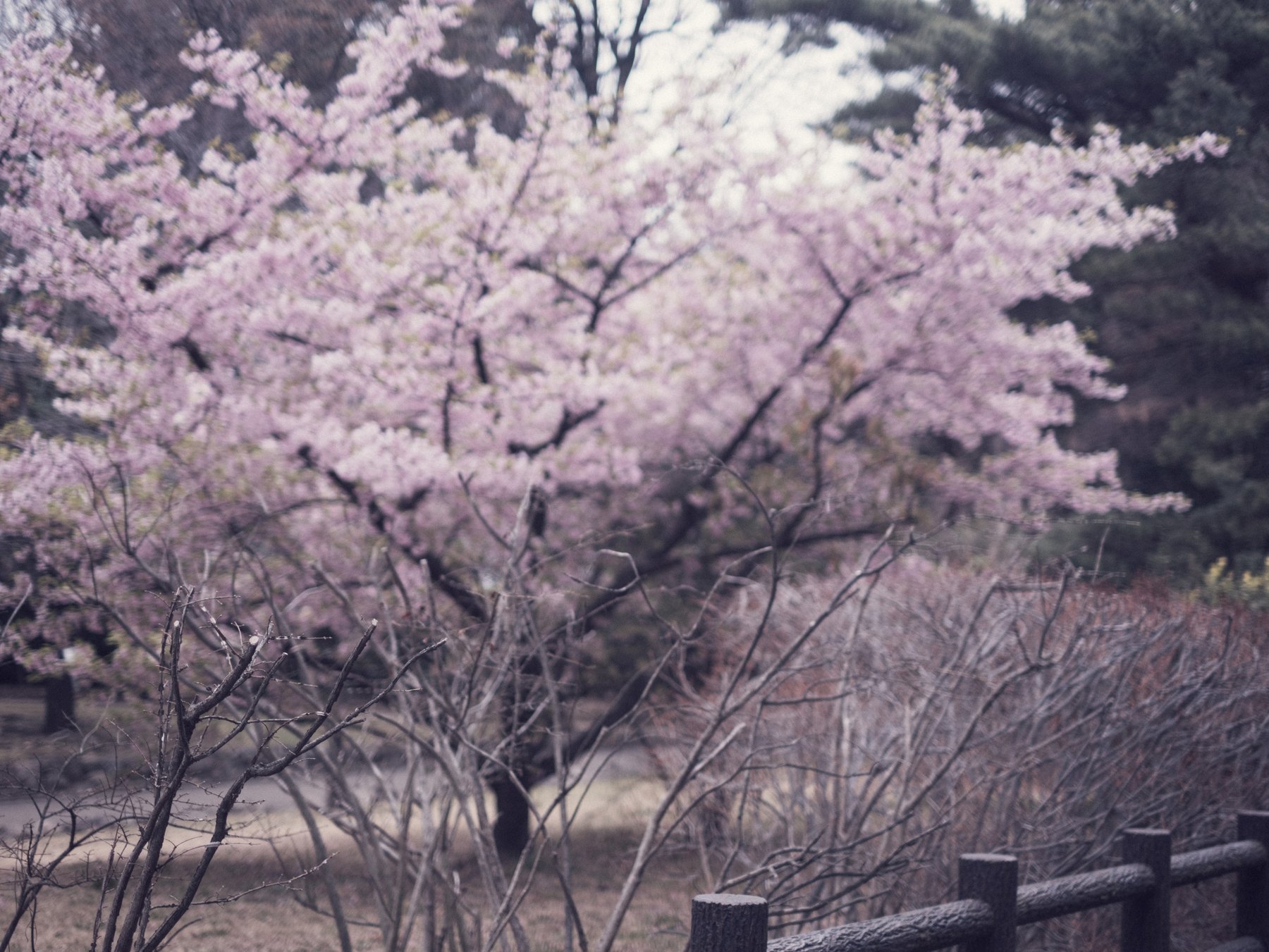
Purple flowers and magenta shadows are difficult because small changes in profile, Tint, and saturation can move them quickly. The same correction that improves petals may contaminate gray bark, clouds, clothing, or shadow neutrals.
Start with a reference: the camera JPEG, a neutral object in the frame, another photograph made under the same light, or a direct memory note from the scene. Without a reference, “accurate purple” becomes an unstable target.
Identify whether the shift is global
Choose the profile and compare the whole frame. If neutral surfaces and shadows are also magenta, correct White Balance Tint before touching purple channels. If only one flower or sign is wrong, a global Tint move will create a second problem.
Mixed daylight and artificial light may not have one correct white balance. Preserve the useful difference or mask the regions separately rather than forcing the entire frame to neutral.
Use Color Mixer for broad relationships
Adjust Purple and Magenta Hue in small steps while watching red and blue neighbors. Lowering Saturation can recover detail when a color feels blocked, but it cannot repair clipped channels.
Use Luminance to separate petals from a dark branch or background. Raising it too far produces pale digital edges, while lowering it can turn color into an opaque patch.
Use Point Color for the exact offender
Sample the problem color and enable Visualize Range. Narrow the range until it covers the petals or reflected light without selecting unrelated objects, then make small Hue, Saturation, and Luminance changes.
Check several locations in the frame because purple often varies from warm magenta to cool blue-violet. One correction should not make every variation identical.
Check output, not only the edit view
Review at Fit and 100%, then export a web-sized JPEG in sRGB. Fine gradients can look different after resizing and compression, especially around defocused blossoms and dark branches.
If the image belongs to a series, compare the exported set. Consistent color means a believable relationship across photographs, not the same purple coordinates in every lighting condition.
Sources and further reading
References for the context and techniques discussed in this field note.