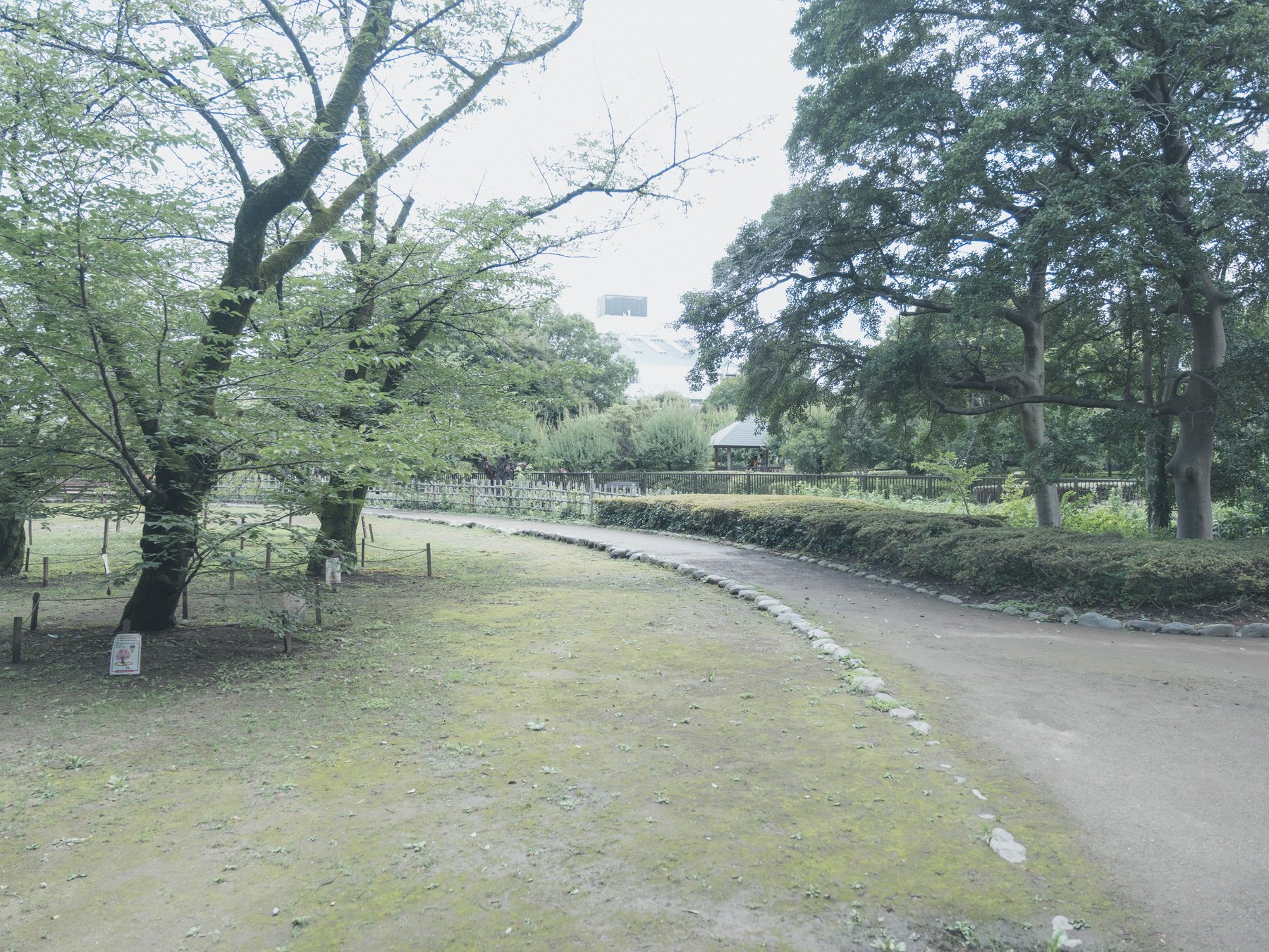
Bright sky, pale flowers, signs, and reflections can push a Fujifilm file toward clipping. Lightroom’s histogram and clipping indicators flag clipping in the current rendering; they do not establish whether the original RAW sensor data is clipped. A warning overlay is not an instruction to darken the entire photograph.
Begin by deciding which bright areas carry information. A blank patch of sun or a small specular reflection can remain white. Petal texture, cloud separation, painted lettering, and the transition around a lamp usually deserve more care.
Check capture choices before editing
FUJIFILM’s Dynamic Range settings are designed to reduce highlight loss in high-contrast scenes, with higher settings requiring higher minimum ISO on the X-H2. They affect the camera rendering and exposure strategy; they cannot restore data that was never recorded.
For a difficult scene, expose so the important highlight channel survives, then accept that shadows may need later work. RAW gives more room than a rendered JPEG, but it does not make clipping reversible.
Set global brightness first
Choose the profile, then set Exposure for the subject rather than for the brightest pixel in the frame. Lower Highlights to recover the upper tonal range and use Whites to decide where the brightest point should land.
Watch the photograph as well as the histogram. Pulling Highlights and Whites too far left can turn daylight gray, create dull halos, and make illuminated signs look pasted onto the scene.
Use masks for the area that matters
If the subject is correct but one sky, flower group, or sign is too bright, use a local mask instead of lowering the entire image. Combine a luminance range with a brush or object selection so the adjustment follows the visible problem.
Reduce exposure or highlights just enough to restore a transition. Check edges at normal viewing size; a technically perfect mask that announces itself is a worse result than a small natural loss of detail.
Keep the sense of light
Reintroduce contrast with the tone curve or Blacks only after the highlight problem is controlled. Protect color by checking whether the recovered region turns gray or shifts hue as saturation returns.
Finish by toggling the clipping view off. The final question is whether the photograph still feels bright, not whether every warning has disappeared.
Sources and further reading
References for the context and techniques discussed in this field note.