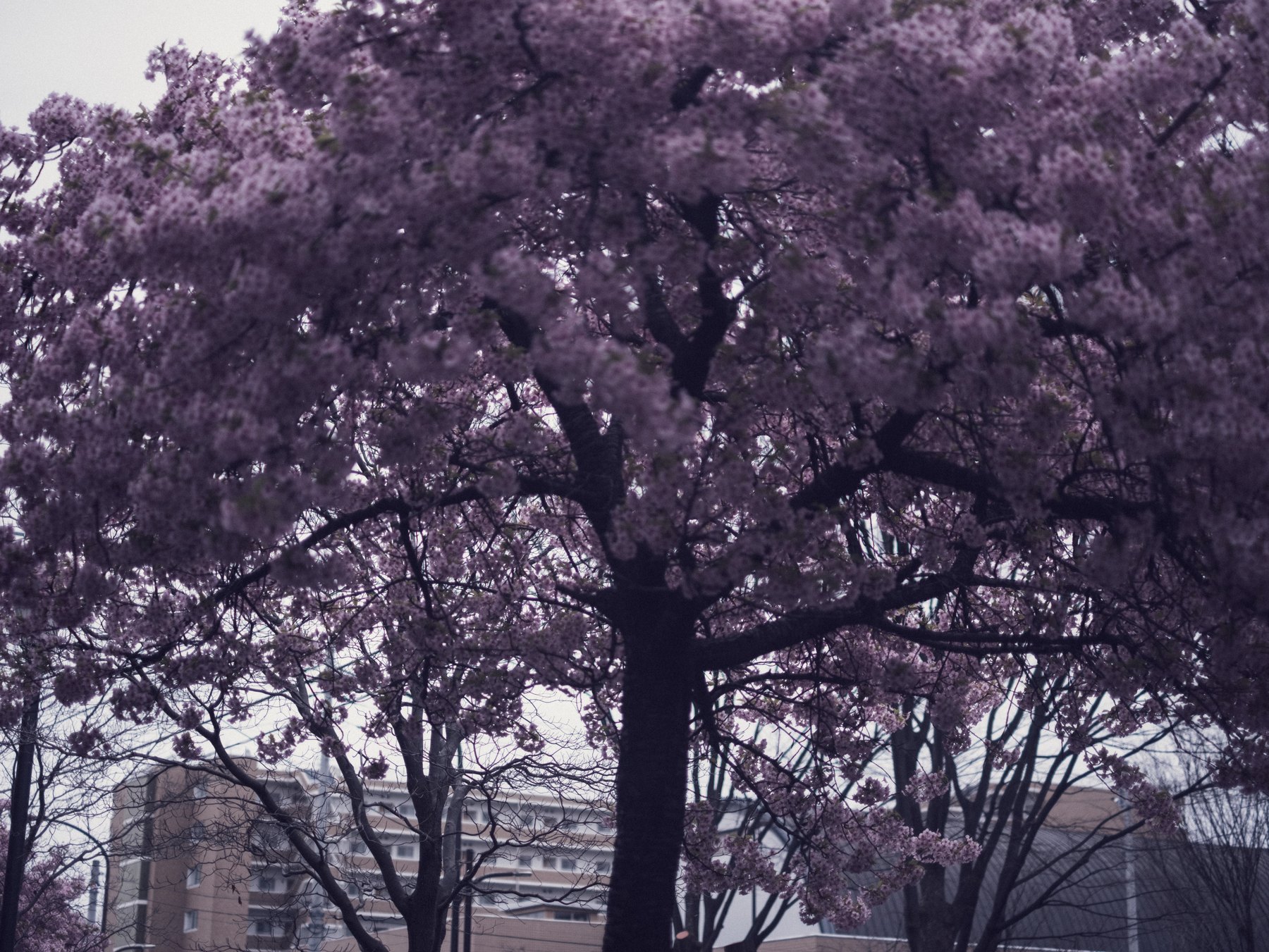
Fujifilm cameras make JPEGs attractive because Film Simulations, white balance, tone settings, and other image-quality choices are rendered at capture. A RAF file keeps the sensor data for a raw processor such as Lightroom to interpret. The useful question is not which format wins, but how much of the rendering you want to decide in camera and how much you want to decide later.
The X-H2 can record RAW and JPEG together. That pairing is a practical learning tool: keep the camera JPEG as a visual reference, then open the RAF in Lightroom and build a version that answers to the same scene rather than trying to prove that one file is superior.
What the camera JPEG has already decided
A JPEG has already passed through the camera’s Film Simulation, white balance, dynamic-range, tone, color, sharpening, and noise-reduction pipeline. Lightroom can still edit it, but strong corrections are working on rendered pixels rather than the original mosaic data.
Choose JPEG when the in-camera result is the point, turnaround matters, and exposure and white balance are already dependable. Treat that look as a finished interpretation, not an unprocessed before image.
What the RAF keeps open
A RAF file gives Lightroom access to raw-specific profile choices and greater flexibility for tonal and color correction. Adobe describes profiles as the rendering foundation; Camera Matching profiles aim to approximate the camera’s look, while Adobe Raw profiles provide a different starting point.
Choose the profile first. Then set exposure and white balance before applying a creative preset. Changing the foundation after detailed color work can make every later decision move.
Run a fair side-by-side test
Import the RAW+JPEG pair and match crop and orientation. Compare highlight texture, shadow color, foliage, and any neutral surface at the same viewing size. Do not call the JPEG “RAW before”: it contains the camera’s processing choices. For clipped skies and lamps, use the Fujifilm highlight-recovery guide to assess what can still be recovered.
Try to reach a believable result with a small number of RAF adjustments. If the camera JPEG is already stronger, keep it. If the RAF lets you resolve mixed light or protect a delicate color relationship, that extra latitude has earned the additional work.
A simple decision rule
Use RAW+JPEG while learning a camera or building a repeatable style. Keep JPEG-only for low-risk, fast delivery when the in-camera rendering is proven. Keep RAW for difficult light, important work, and photographs whose final color direction is not yet decided.
A preset should not erase this choice. Tokyo Film presets preserve exposure and white balance so the photograph can still be corrected after the look is applied.
Sources and further reading
References for the context and techniques discussed in this field note.