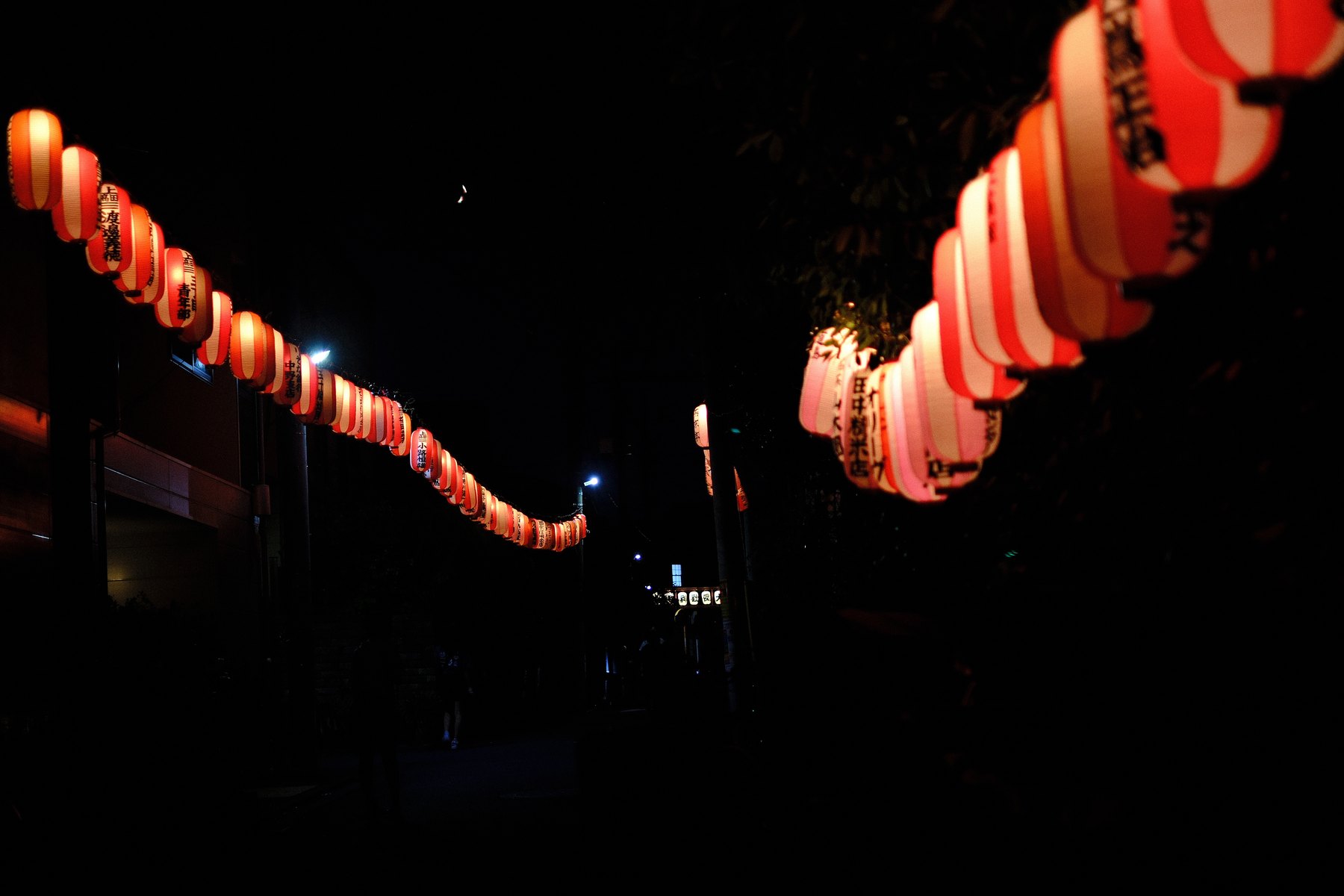
Illuminated lanterns combine saturated color with a dark environment. If the meter tries to brighten the whole scene, the lantern paper can lose texture and the red can collapse toward a pale orange or blank channel. The goal is not a bright histogram; it is a believable relationship between light sources and night.
Fujifilm exposure compensation and photometry help position the camera exposure, but playback is the practical check. A small bright source may not dominate an overall warning even when its color is no longer useful.
Start with the nearest important lantern
Choose the lantern whose writing, paper texture, or red edge must survive. Place focus there and make a reference frame before changing exposure.
If the nearest lantern is much brighter than the row, accept that distant lights will render differently. One exposure cannot give equal detail to every source at every distance.
Let darkness remain part of the composition
Negative space can separate two rows and make their direction legible. Lifting all shadows may reveal visual clutter and noise without adding useful information.
Use a stable stance and a shutter speed that suits the focal length and any movement in the lanterns. Stabilization helps camera movement, not wind-driven subject movement.
Correct red without flattening every warm color
In Lightroom, set Exposure and white balance before reducing red saturation or luminance. Check whether the apparent problem is actual clipping, a warm white balance, or a profile that renders red aggressively.
Use Point Color or a narrow Color Range when the lanterns need a local correction. Inspect lettering and the transition from red to white rather than judging only the strongest red patch.
Compare at the final output size
Deep shadows, fine lettering, and saturated edges change after downsampling. Check the exported image on a normal background rather than only at 100% in the Develop module.
Keep the frame dark enough to feel like night. A clean technical file that removes the darkness can lose the scene’s structure.
Sources and further reading
References for the context and techniques discussed in this field note.