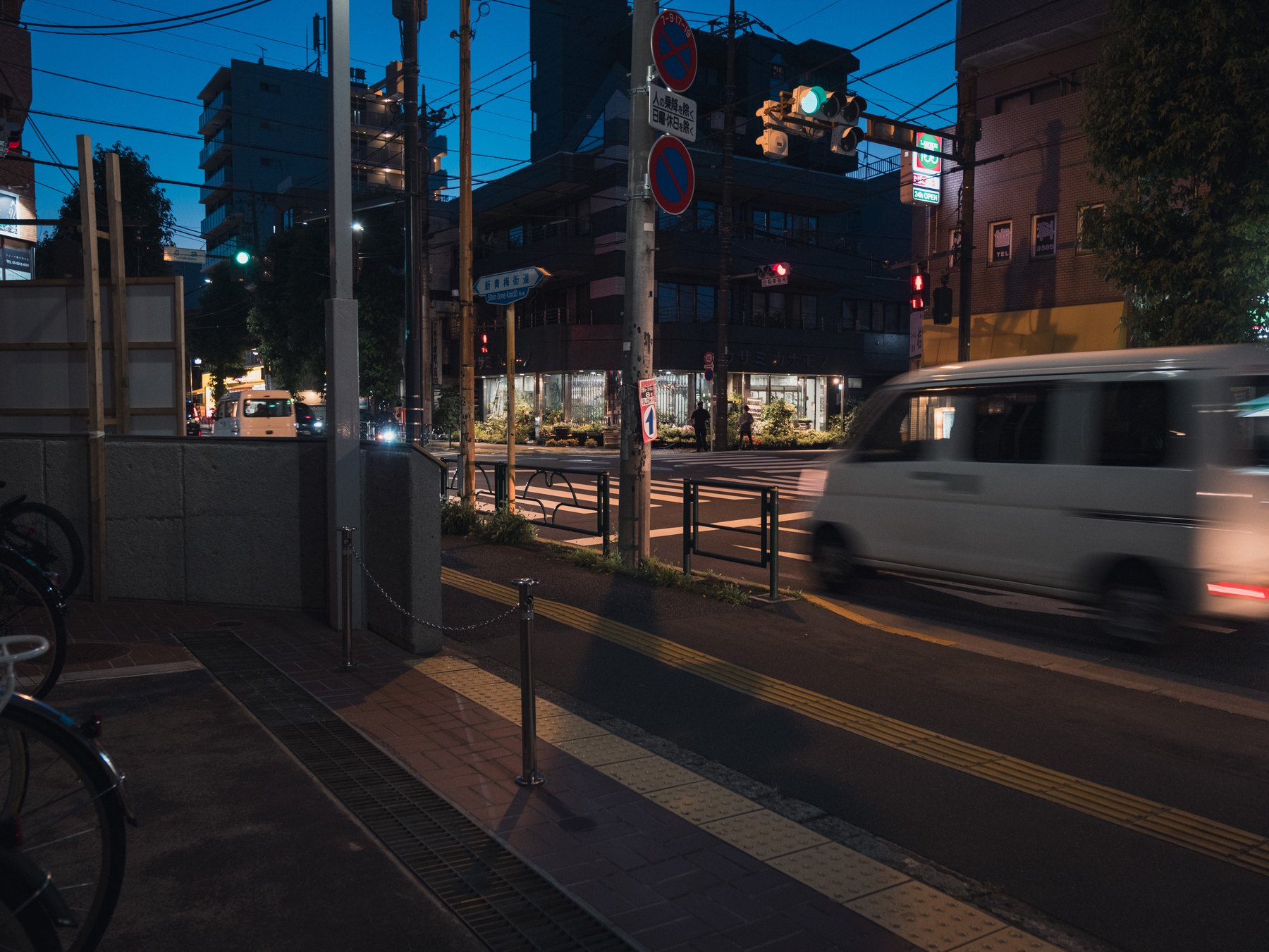
Night photographs combine high ISO, deep shadows, small bright lights, and color from several sources. Noise becomes most visible when shadows are lifted aggressively or white balance pushes one color channel. Treat exposure and color first enough to understand the problem, but avoid detailed masks before running an Enhance operation that can change the rendered file.
Adobe supports Denoise and Raw Details for Fujifilm X-Trans mosaic RAW files. That does not mean every RAF needs AI processing. The final output size and the subject decide how much cleanup is useful.
Judge the real output size
View the photograph at Fit, then inspect important areas at 100%: fine signs, railings, foliage, faces if present, and smooth shadow gradients. Noise that looks severe at 100% may disappear in a web export.
Decide whether the image is for a small post, a large display, or print. Apply the least processing that survives that destination.
Choose AI Denoise or manual controls
Use Denoise for a supported RAW when color speckling and luminance noise compete with real detail. Adobe recommends applying Denoise before tools such as AI masks and Remove because the enhancement can change their results.
Use manual Noise Reduction when the problem is mild or when you need quick consistency across many files. Balance Luminance, Detail, and Contrast rather than moving one slider until the shadows become plastic.
Sharpen edges, not noise
Set sharpening Amount and Radius for the subject, then raise Masking so smooth sky and shadow receive less sharpening. High Detail values can restore texture but can also emphasize noisy high-frequency information.
Raw Details can improve edge and color rendering for supported X-Trans files, especially for large output. Inspect repeated patterns and fine branches rather than assuming the enhanced result is always better.
Keep night color believable
Correct white balance before final color-noise judgment. A large Tint or Temperature change can reveal noise that was hidden in the original rendering. Avoid neutralizing every source: warm windows and cool ambient sky can coexist.
Add creative grain only after noise reduction and at the final output size. Grain should unify texture intentionally; it should not disguise blotchy chroma noise or erase small city detail.
Sources and further reading
References for the context and techniques discussed in this field note.